

Stephen Pollard
View profile“The references you make regarding being a father of 2 boys appealed to me as well. It does not feel like marketing. What you say is more thoughtful and genuine.”
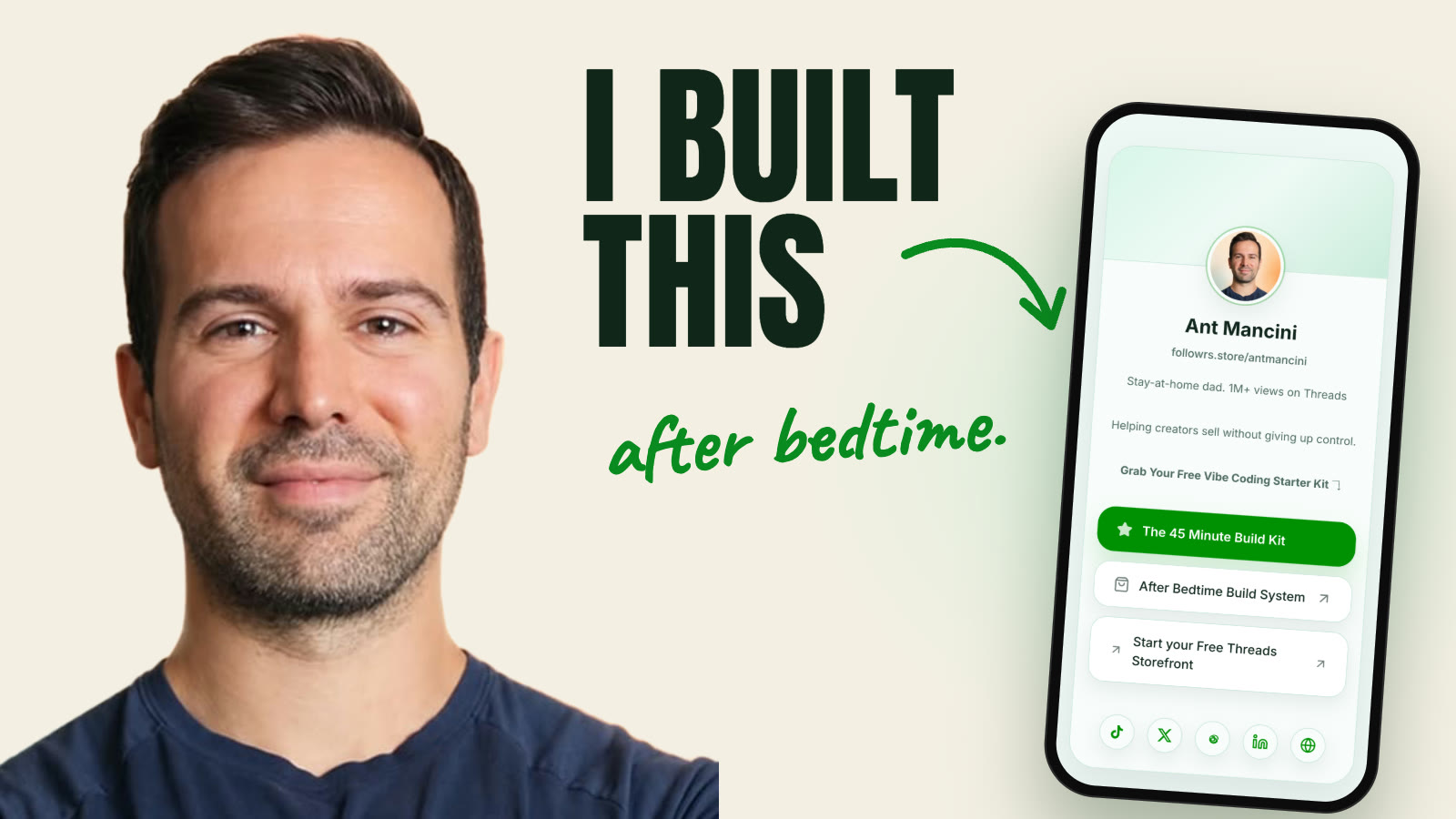
A step-by-step system for busy dads: test the idea, map the screens, and ship a first version with AI. No engineering degree, no four-hour tutorials.
I built Followrs, the checkout you're about to use, during nap times and after bedtime. 1M+ views on Threads sharing how.
You have an app idea and maybe 45 minutes after the kids are asleep. You open an AI coding tool, hit something confusing, and the idea goes back on the shelf. I have two kids. I know what that window feels like.
This system gives you a small next step instead of a four-hour tutorial. You do not need to become a software engineer. You do need to make decisions, check the AI’s work, and keep moving in small pieces.
Find out if your idea is worth building, before you write any code
Get a real "yes" from real people who have the problem
Cut your idea down to one small first version
See your app as rough screens in Claude Design
Set up Codex and GitHub so your project is private and backed up
…all in 45-minute sessions, after the kids are asleep.
↓ Here's what's in each module ↓
Module 1 — Is this idea worth it?
You'll leave with one idea worth testing and a real yes (or a fast no). Includes the App Idea Filter: pressure-test your idea in about 20 minutes.
Module 2 — Map the smallest useful version
You'll leave with rough screens of your app, made in Claude Design. The Claude Design lesson is free on YouTube.
Module 3 — Set up without the panic
You'll leave with Codex and GitHub set up: private, backed up, ready to build.
Module 4 — Build in the margins
You'll leave with a working first piece, built one small change at a time, and a saved version you can always go back to.
Stephen Pollard
View profile“The references you make regarding being a father of 2 boys appealed to me as well. It does not feel like marketing. What you say is more thoughtful and genuine.”

Shane Watrin
View profile“Going through the research and posting about the topic gave me more confidence about how to build the structure of the app.”
I am a dad of two who learned to build with AI after bedtime and during nap times. Early on I made bad commits, broke features, and started over. The calmer workflow came from those mistakes: test the idea first, give the AI clear context, make small changes, and keep a working version you can return to.
This course walks you through the same decisions and habits so you can make progress in the time you actually have.
You do not need to be a professional engineer. You will need to make decisions, follow the steps, and check the AI’s work.
The lessons are made for short sessions. Start with one clear action, then pick up where you left off.
No. Work through the videos and templates on your own schedule.
My current tool stack is about $180 a month. Your cost depends on the tools, plans, and usage you choose. Claude Design is included even on the $20/month Claude plan.
Go through the course and use the templates. If you do not feel like you have a clearer path to shipping your app, email me within 14 days and I will refund you. No forms, no explanation required, no hard feelings.
If you have an app idea and 45 minutes tonight, you have enough to start. This shows you the next step, every night, until real people are using it.
$47 once. Get instant access to all 5 modules and 3 starter templates.
$47.00
Discount code
Sold by Ant Mancini.
Secure checkout powered by Stripe.
For product questions, refunds, or support, contact the creator.
Build one small piece a night without breaking what already works
Get it online and in front of five real people
Module 5 — Ship it
Put your first version online, share it with five real people, and use their feedback to decide what to improve next.
Plus 3 starter templates
App Idea Filter · Competitor Research Prompt · Safe Build Checklist